Email marketing for restaurants, written by AI in seconds

Get three subject lines, preview text and a full email draft for your next promotion, ready to paste into Mailchimp or Toast. Try up to 3 drafts free with Google sign-in.

Guest check

Up to 3 free drafts with Google sign-in, then from $5 for 10. Usually ready in under 10 seconds. Leave out guest names and email addresses; the tool doesn't need them.

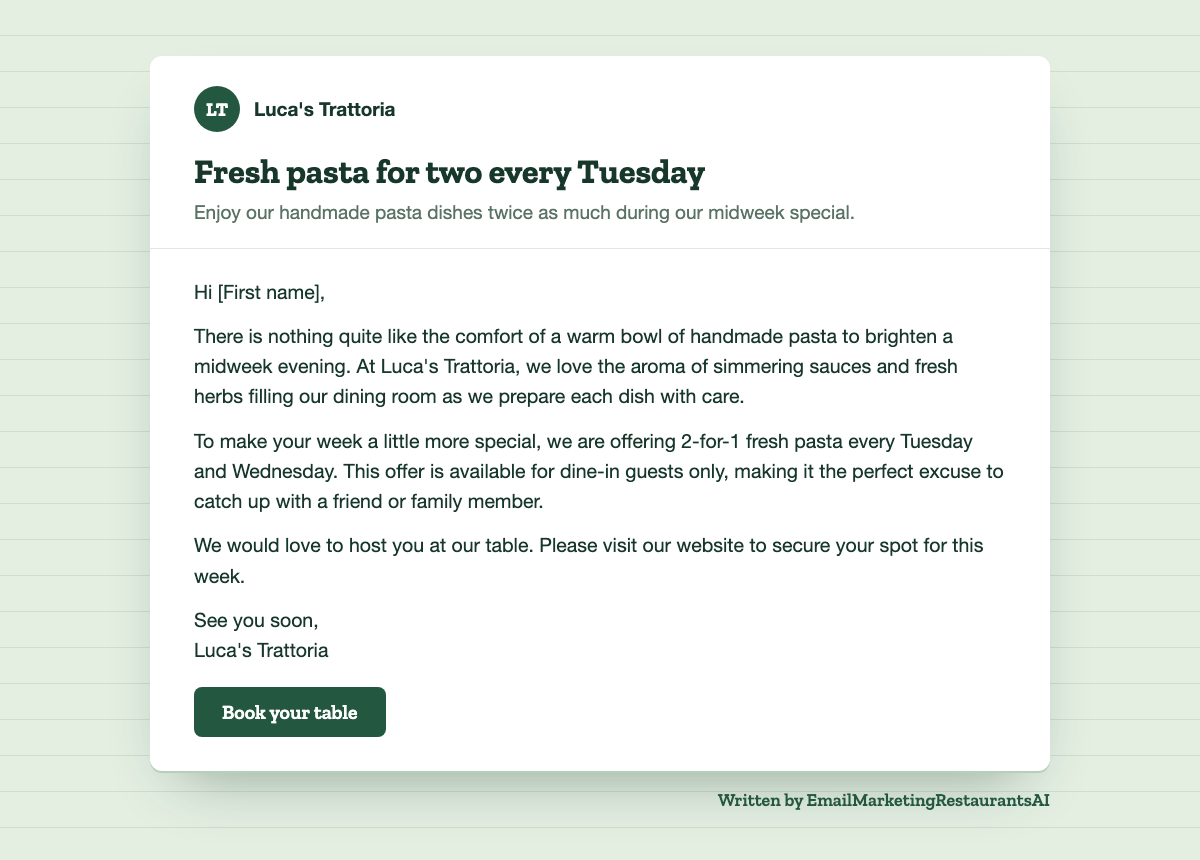
Restaurant email marketing example: a 2-for-1 pasta night email for Luca's Trattoria, written by the AI generator
A real email from the generator for a sample trattoria, shown in a simple email layout. Yours appears here when it's ready.

Restaurant email marketing examples and templates

Three emails exactly as the generator wrote them. The restaurants are samples, and the details shown with each email are all the tool was given. Use them as restaurant email templates, or type your own details above.

Slow-night promotion for an Italian trattoria

Restaurant
Luca's Trattoria
Type
Neighborhood Italian trattoria
This email should
Fill slow nights
Offer or details
2-for-1 fresh pasta every Tuesday and Wednesday, dine-in only, book online
Tone
Warm

Subject lines

  1. Fresh pasta for two every Tuesday
  2. Your midweek pasta craving solved
  3. Two-for-one pasta on Tuesdays and Wednesdays

Preview text

Enjoy our handmade pasta dishes twice as much during our midweek special.

Email

Hi [First name],

There is nothing quite like the comfort of a warm bowl of handmade pasta to brighten a midweek evening. At Luca's Trattoria, we love the aroma of simmering sauces and fresh herbs filling our dining room as we prepare each dish with care.

To make your week a little more special, we are offering 2-for-1 fresh pasta every Tuesday and Wednesday. This offer is available for dine-in guests only, making it the perfect excuse to catch up with a friend or family member.

We would love to host you at our table. Please visit our website to secure your spot for this week.

See you soon,
Luca's Trattoria

Book your table

When to send: Send this email on Monday morning so people can plan their midweek dining schedule early in the week.

New winter menu for a brunch cafe

Restaurant
Copper Kettle Cafe
Type
All-day brunch cafe
This email should
New menu or dish
Offer or details
New winter menu starts Monday: gingerbread pancakes, maple chai latte, braised short rib hash
Tone
Playful

Subject lines

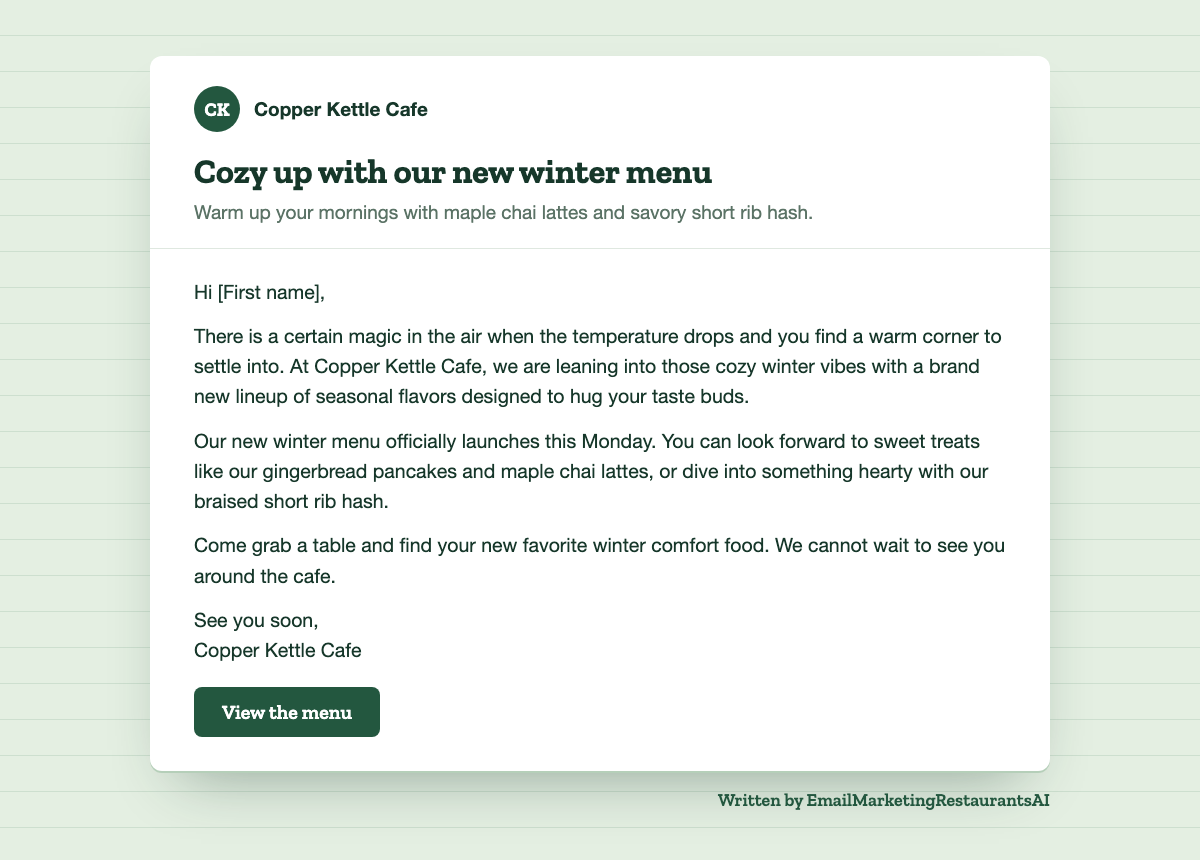
  1. Cozy up with our new winter menu
  2. Have you tried our gingerbread pancakes?
  3. New winter dishes arrive this Monday

Preview text

Warm up your mornings with maple chai lattes and savory short rib hash.

Email

Hi [First name],

There is a certain magic in the air when the temperature drops and you find a warm corner to settle into. At Copper Kettle Cafe, we are leaning into those cozy winter vibes with a brand new lineup of seasonal flavors designed to hug your taste buds.

Our new winter menu officially launches this Monday. You can look forward to sweet treats like our gingerbread pancakes and maple chai lattes, or dive into something hearty with our braised short rib hash.

Come grab a table and find your new favorite winter comfort food. We cannot wait to see you around the cafe.

See you soon,
Copper Kettle Cafe

View the menu

When to send: Send this email on Sunday morning so guests can plan their Monday brunch.

Restaurant email example: Copper Kettle Cafe's new winter menu email shown in a simple email layout
The same new-menu email text placed in a simple email layout. Your email platform's template sets the final look.

Welcome email for a family taqueria

Restaurant
Taqueria El Sol
Type
Family-run taqueria
This email should
Welcome email
Offer or details
Free chips and guac on your next visit, just show this email
Tone
Playful

Subject lines

  1. Free chips and guac on us
  2. A little something for your next taco
  3. Welcome to the Taqueria El Sol family

Preview text

We are so happy to have you join our community of taco lovers.

Email

Hi [First name],

Welcome to the family! There is nothing quite like the smell of fresh corn tortillas hitting a hot griddle and the crunch of perfectly salted chips to make your day better.

To celebrate you joining our email list, we want to treat you to a little something extra. On your next visit to our taqueria, just show this email to your server to enjoy a free order of chips and guacamole.

We cannot wait to serve you your favorite tacos soon. Swing by [address] and let us know how you like the guac!

See you soon,
Taqueria El Sol

Visit us soon

When to send: Send this email immediately after they confirm their subscription to capitalize on their interest.

What is email marketing for restaurants?

Email marketing for restaurants means sending planned emails, like a new menu, a slow-night offer, an event invite or a birthday treat, to guests who gave you their address, so they come back more often.

Unlike a social post, an email goes straight to the inbox of someone who already knows you, and you own the list. You can also see who clicked and, if your email platform connects to your POS or reservations, how many guests booked or redeemed the offer. Most restaurant marketing emails are one of a handful of types: a welcome email for new subscribers, promotions for quiet days, menu and event announcements, holiday booking reminders, birthday offers, win-back emails and review requests. The generator above writes all of them.

How to start email marketing for your restaurant

Collect emails with permission, pick an email platform, send a welcome email, plan a simple calendar, then write, send and measure each campaign.

  1. Collect emails with permission. Ask at reservation and online-ordering checkout, add a sign-up to your Wi-Fi login, put a QR code on table tents and receipts, and offer a small thank-you for joining.
  2. Pick an email platform. If your POS or reservation system offers email marketing (Toast, Square and SevenRooms do, sometimes as a paid add-on), start there so guest data syncs on its own. Otherwise use a stand-alone tool such as Mailchimp or Klaviyo.
  3. Set up a welcome email. Send it automatically as soon as someone joins. It's your first impression and a natural place for a small thank-you offer.
  4. Plan a simple calendar. One or two emails a month plus key dates, such as holidays, menu changes and events, is enough for most restaurants.
  5. Write, send and measure. Write each email with the generator, paste it into your platform, then track clicks and how many guests book or redeem the offer.

How much does restaurant email marketing cost?

Writing your emails here starts free: new accounts get up to 3 free drafts, then a pack is $5 for 10 drafts or $9 for 30 drafts, paid once. Sending them costs whatever your email platform charges: many have a free plan for small lists, and paid plans are usually priced by the number of contacts or emails you send.

If your POS already includes email marketing, check whether it's part of your current plan before you pay for another tool. For most owners the real cost of email marketing for restaurants is the time it takes to write each email; the generator usually gives you a full first draft in under 10 seconds, so your time goes into editing rather than a blank page.

Do I need a subscription or an account?

No subscription. You sign in with Google so the drafts you have left are tracked on your account, and new accounts get up to 3 free drafts, one a day. After that you buy a pack once; nothing renews. The emails themselves aren't saved, so copy yours before you leave.

The generator accepts up to 8 requests a minute from each connection; pricing lists what each pack includes. This tool writes your emails; it doesn't send them or store your guest list. You send from your own email platform, so the list stays under your control.

How long does it take to get results?

The generator usually returns a full email draft in under 10 seconds. Results from the email itself start as soon as you send it, and most clicks come in the first few days.

Judge bookings and redeemed offers over the whole offer window, for example the two weeks a midweek deal runs, and compare against the same days before the email went out.

What emails should a restaurant send?

These nine campaigns cover most of the year. Pick one and the generator is set up for it.

Restaurant email marketing FAQ

Is email marketing good for restaurants?

Yes. Email marketing for restaurants works because it reaches people who already know you and asked to hear from you, it costs little to send, and you can see what each email brings in. It works especially well for places that live on repeat visits, like neighborhood restaurants, cafes and bars.

How often should a restaurant send marketing emails?

Once or twice a month is a good starting point, plus extra emails for holidays, events and menu changes. Keep a regular schedule so guests know what to expect, and slow down if unsubscribes start to climb.

What is the best time to send restaurant emails?

Send before guests decide where to eat: a midweek offer on Monday, a weekend event a few days ahead, and a holiday booking reminder two to four weeks before the date. Every email from the generator comes with a suggested send time for that campaign.

What is the best email marketing software for restaurants?

Usually the one connected to your POS or reservation system, because guest emails and visit history sync automatically. Toast, Square and SevenRooms offer built-in email marketing, often as a paid add-on or on higher-tier plans, and Mailchimp, Klaviyo and Constant Contact are common stand-alone choices. The emails from this generator work in any of them.

What is the 80/20 rule in email marketing?

The 80/20 rule in email marketing means about 80% of your emails should inform or entertain (news, new dishes, events, stories) and about 20% should promote, so your offers keep their pull. It's also used to say that a small group of subscribers, your regulars, drives most of the results, so it pays to treat them well.

Do I need permission to email my guests?

Get permission anyway. In the US, the CAN-SPAM Act doesn't require consent up front, but every marketing email needs accurate sender details, an honest subject line, a clear note that it's an ad, your physical postal address and a working way to opt out; the FTC's compliance guide explains the rules. Most email platforms only allow permission-based lists, and in the EU and UK you generally need opt-in consent before sending marketing emails.

Is the restaurant email generator free?

You can try it free: new accounts get up to 3 drafts, one a day, after signing in with Google, while the day's free drafts last. After that, drafts come in one-time packs: 10 for $5 or 30 for $9. There is no subscription, and drafts carry no watermark.

Can I edit the emails before I send them?

Yes. Everything comes back as plain text that you can copy and change. Before you send, swap placeholders like [First name], [date] or [reservation link] for your email platform's merge tags or the real details.

Do you store what I type?

No. What you type is sent to an AI model running on Cloudflare to write the email, and this site does not save it or the email you get back. The form never needs guest names or email addresses, so don't paste them in.

Does it work for cafes, bars, bakeries and food trucks?

Yes. Describe your business in the Type of restaurant field, for example "food truck serving Korean BBQ" or "neighborhood bakery", and the email is written for it.

What languages does the generator write in?

US English for now. You can still type your details in plain words; the email comes back in English.